You’ve got a fast connection, a decent screen, and a performer who clearly knows what they’re doing — so why does the show still feel like you’re watching through a foggy windshield? Lighting, both on your end and on theirs, makes or breaks the live cam experience. Whether you’re a first-time viewer or a seasoned regular on Stripchat, understanding the visual dynamics of a live show can transform a good session into an unforgettable one. Here’s everything you need to know.
Why Lighting Actually Matters for Cam Viewers
Your viewing environment affects the cam experience just as much as the performer's lighting setup does. Screen visibility, eye strain, and psychological immersion all depend on what's happening in the room around you — not just what's on screen. Most viewers overlook this completely, assuming lighting is solely the performer's responsibility. A ring light pointed at a face solves one half of the equation. The other half is yours to control.
Think about the last time you watched a movie in a pitch-black room versus a brightly lit one. Same film, wildly different experience. The same principle applies to live cam shows. Your ambient environment shapes how vividly colors register, how much depth you perceive, and how long you can comfortably watch without fatigue setting in. In 2026, with HD and 4K streams becoming the standard on platforms like Stripchat, the gap between a well-lit viewing setup and a careless one has never been more noticeable.
The Golden Rule: Match Your Room Brightness to Your Screen
The single most impactful change any viewer can make is calibrating their room brightness to complement — not compete with — their screen. High contrast between a blazing monitor and a completely dark room causes eye strain within minutes and paradoxically makes the image look worse, not better. Your pupils are constantly adjusting, pulling focus away from what’s on screen.
The Bias Lighting Trick
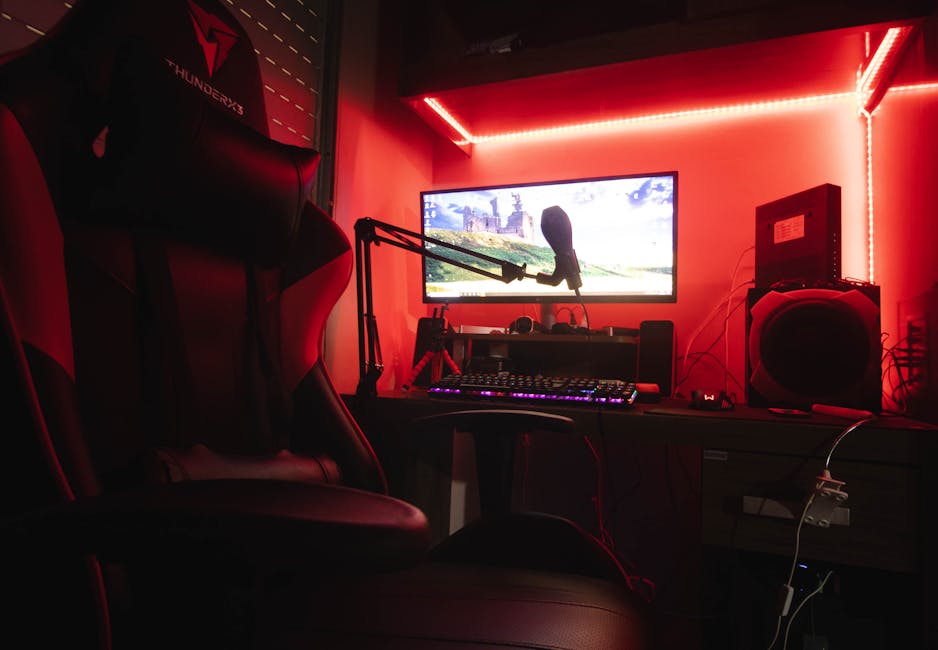
Bias lighting — placing a soft light source behind your monitor or TV — is a technique borrowed from professional video editors and home theater enthusiasts. It reduces the contrast ratio between your screen and the wall behind it, making the image pop without straining your eyes. LED strip lights in a warm white or soft amber tone work perfectly for this. A simple 2-meter USB-powered LED strip stuck to the back of your monitor costs next to nothing in 2026 and delivers a genuinely cinematic boost to any live stream you’re watching.
Color Temperature: Warm vs. Cool
Color temperature matters more than most viewers realize. Cool, blue-toned lights (5000K and above) increase alertness but can make skin tones on screen look washed out or clinical. Warm lights (2700K–3500K) create a more intimate, relaxed atmosphere and tend to render the warm tones of a performer’s skin more naturally. For a cam viewing session where atmosphere counts, lean warm.
Screen Settings You Should Actually Adjust
Your display settings are just as important as your room lighting. Most monitors and laptop screens ship with factory settings calibrated for retail showrooms — meaning brightness cranked to maximum and contrast boosted to eye-searing levels. That’s great for making a product look good under fluorescent lights at Best Buy; it’s terrible for extended viewing.
想直接體驗?跳過閱讀直接看
- Brightness: Set it so white elements on screen don’t look like a flashlight pointed at your face. A good rule: white should look like a piece of paper, not a lightbulb.
- Contrast: Most screens default too high. Drop it 10–15% from factory and shadows on stream will reveal detail instead of crushing to black.
- Blue light filter: Enable night mode or a blue light filter, especially for evening sessions. Your sleep will thank you and skin tones will look warmer on screen.
- Sharpness: Factory sharpness settings often add artificial edge enhancement that makes streams look grainy. Lower it slightly for a cleaner image on live video.
Understanding What Performers Are Doing With Light (And Why It Matters to You)
Being a smarter viewer means understanding the visual language that great cam performers use. In 2026, the best creators on platforms like Stripchat are essentially running one-person broadcast studios, with softboxes, LED panels, and ring lights positioned with deliberate intent. Knowing what to look for makes the shows you choose significantly better.
“A performer who understands light isn’t just making themselves look good — they’re creating a mood, a scene, a reason to stay.”
Front-facing soft light creates an open, inviting feel. Side lighting with a single source creates drama and depth. Backlit silhouettes build tension and tease. When you understand these choices, you start selecting shows with better production instincts — and your overall satisfaction with the platform goes way up.
The Best Viewing Devices and Why Screen Type Changes Everything
Not all screens are created equal when it comes to live video. Here’s a quick breakdown of what you’re actually working with:
- OLED screens: The gold standard for cam viewing. True blacks, vivid contrast, and perfect color accuracy mean every lighting choice a performer makes comes through exactly as intended. If you’re watching 4K streams, OLED is worth the investment.
- IPS LCD monitors: Wide color gamut and excellent off-axis viewing make these the best value option. Great for long sessions and very accurate in natural lighting conditions.
- TN panels: Fast refresh rates but poor color reproduction and narrow viewing angles. Fine for gaming, mediocre for cam shows where skin tone accuracy matters.
- Smartphones: Modern flagship AMOLED phones rival desktop OLED displays. If you’re watching mobile, brightness and auto-brightness settings are your biggest levers.
Ready to Put This Into Practice? The Setup Takes Five Minutes
Here’s the thing — none of this requires a significant investment or a trip to a specialty store. Bias lighting strips are available for under $15. Your screen’s calibration menu is three clicks away. Closing your blinds and switching your overhead light for a warm lamp takes thirty seconds. The combined effect of these micro-changes on a high-quality live cam session is genuinely remarkable.
The performers putting real effort into their lighting setups on Stripchat deserve to be seen the way they intended. You’re already choosing to spend time watching live shows — spend two minutes optimizing the environment you’re watching in and the ROI is immediate.
Find Your Perfect Cam Show Now →
Lighting Red Flags: Shows Worth Skipping (And Why)
On the flip side, understanding lighting also helps you identify low-quality shows faster and move on to better ones. Here are the visual cues that signal a performer hasn’t invested in their setup:
- Harsh overhead lighting: Creates unflattering shadows and usually signals a bedroom setup with zero production thought.
- Greenish or fluorescent tones: Uncorrected fluorescent bulbs create a clinical, unpleasant color cast that no amount of camera magic fixes.
- Blown-out whites: Overexposed areas mean detail is lost. A well-set exposure is a sign of a creator who cares about their presentation.
- Constant flickering or color shifting: Often caused by cheap LED strips with poor dimmer compatibility. A small annoyance that compounds over a full session.
The Takeaway: Light Is the Language of Live Cam
Every element of a great live cam experience comes back to light — the light in the performer’s room, the light on your screen, and the ambient light around you while you watch. Getting these three elements working together is the difference between a flat, forgettable session and one that genuinely delivers. The best platforms are already meeting you halfway: Stripchat’s 2026 HD streaming infrastructure means the raw quality is there. Your job is to make sure your viewing setup is worthy of it.
Stop watching in the dark with a blinding monitor. Grab a $12 LED strip, warm up your room lights, dial back your screen brightness, and reload the page. You’ll notice the difference immediately — and so will your eyes at the end of the night.